Snap it or drop the PDF
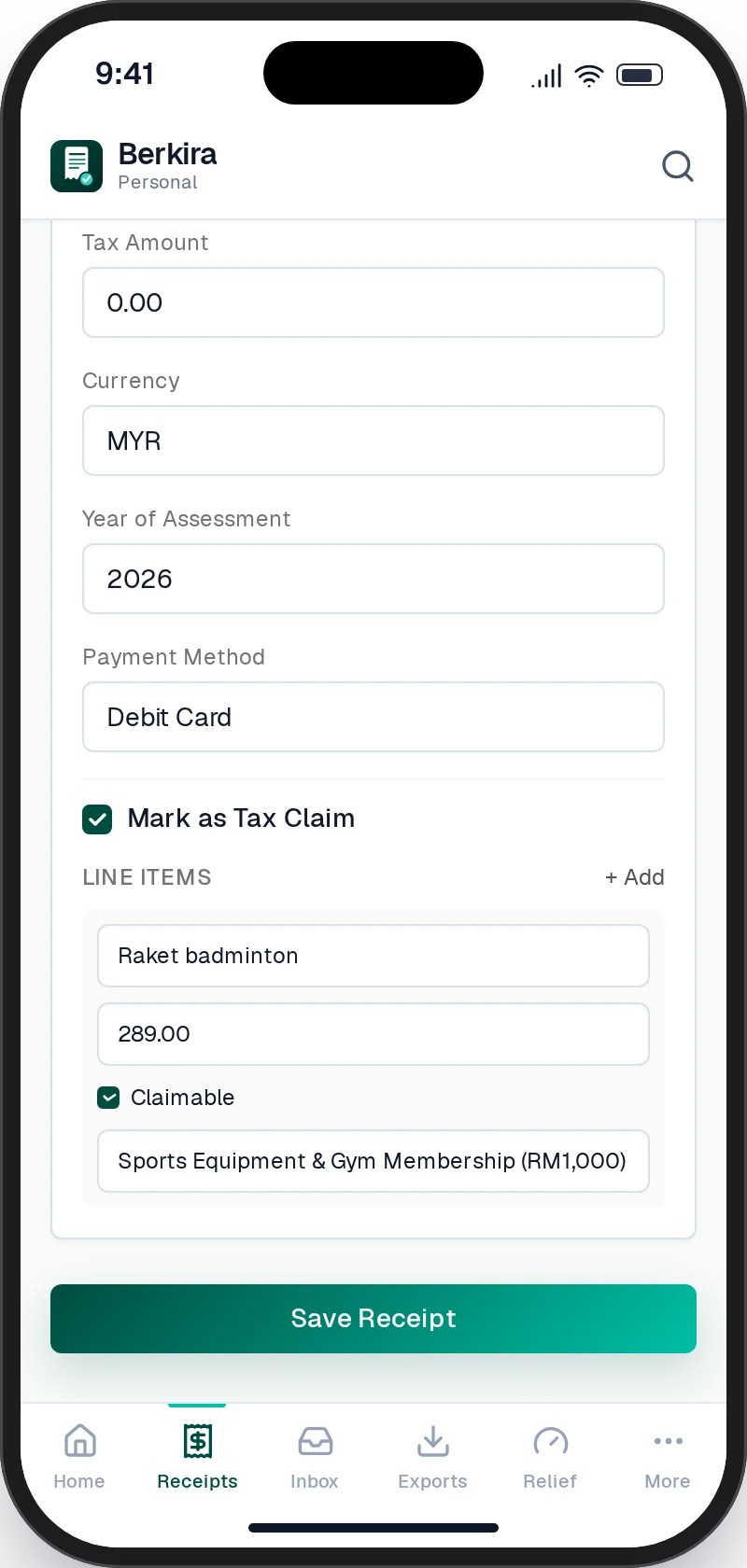
Up to three photos or PDFs per receipt. Berkira reads the fields and suggests the relief line, with what is left under its cap. Nothing saves until you tap Save.
Ten currencies, duplicate check on by default.
kira: to count. berkira: to count every sen.
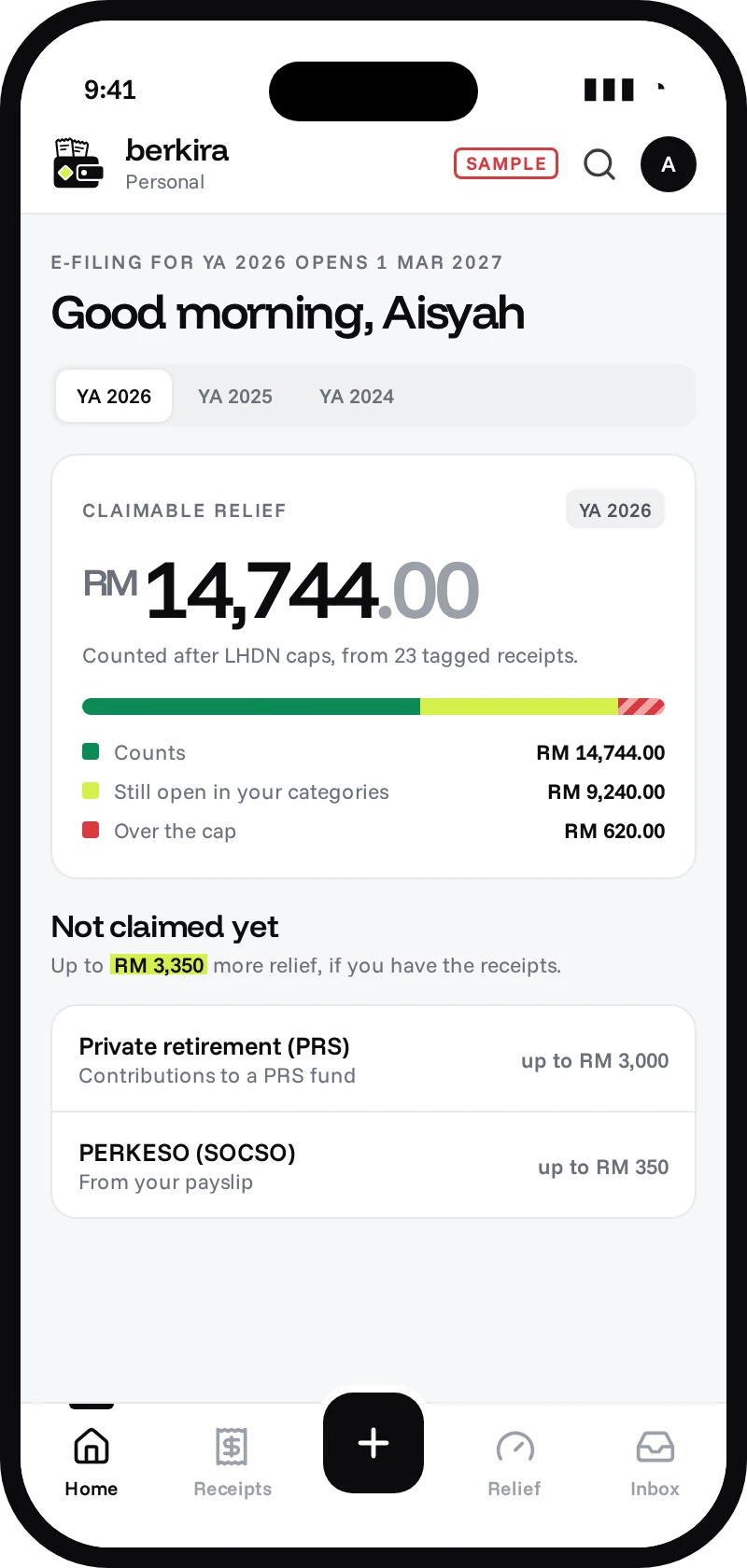
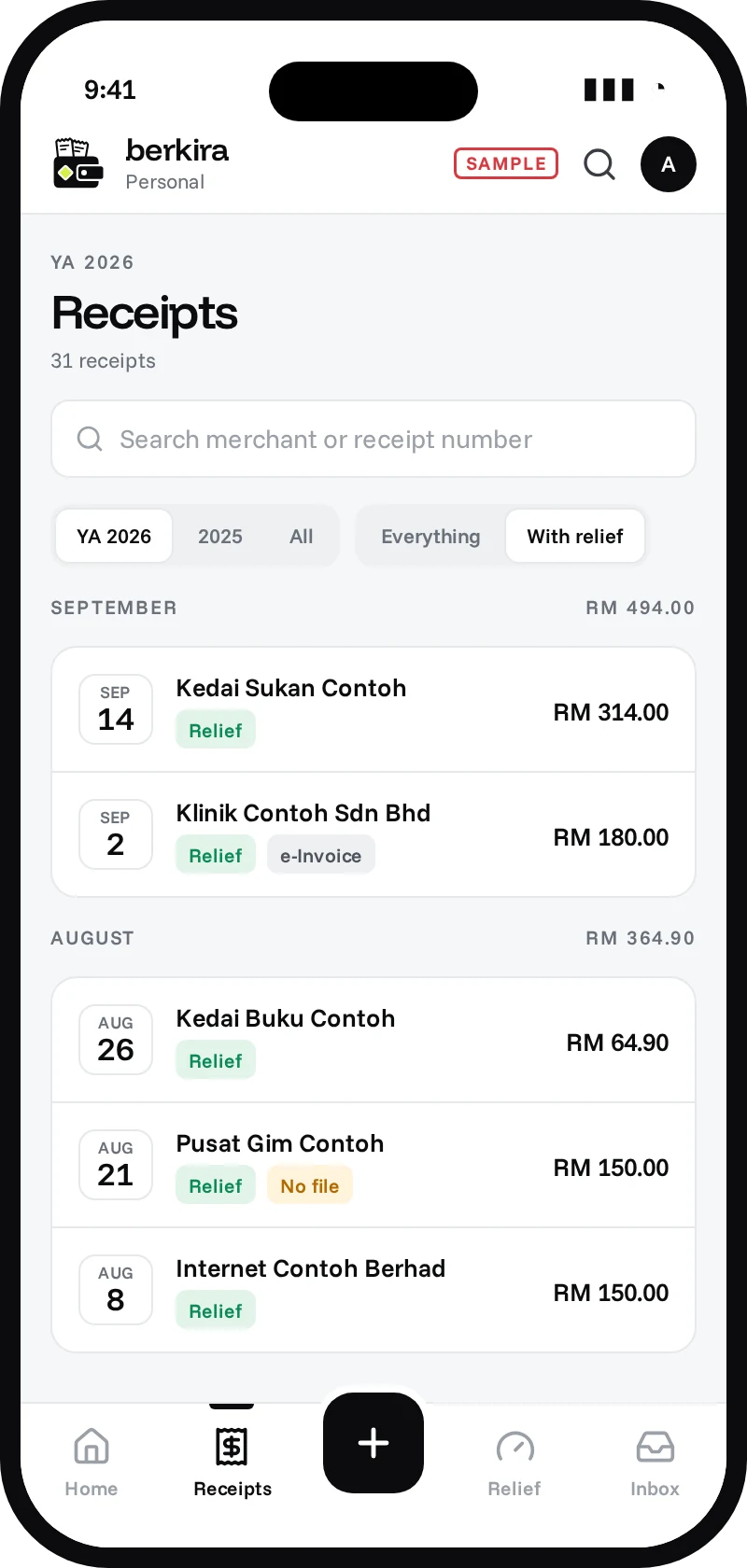
Snap a receipt or forward the e-receipt. Berkira tags it to the right LHDN relief, stops at every cap and shows what is still left to claim before e-Filing.
Thermal ink fades within months.
LHDN can ask to see proof of your reliefs for up to seven years. A blank slip proves nothing.
Snap it once. Berkira reads the rest.
Merchant, date, total and receipt number come off the paper. You check every field before it saves.
Counted against the right cap, for the right year.
Start free, 200 receipts a year
Capture it the way it reached you, check it once, then hand your tax agent everything in one go.
Up to three photos or PDFs per receipt. Berkira reads the fields and suggests the relief line, with what is left under its cap. Nothing saves until you tap Save.
Ten currencies, duplicate check on by default.
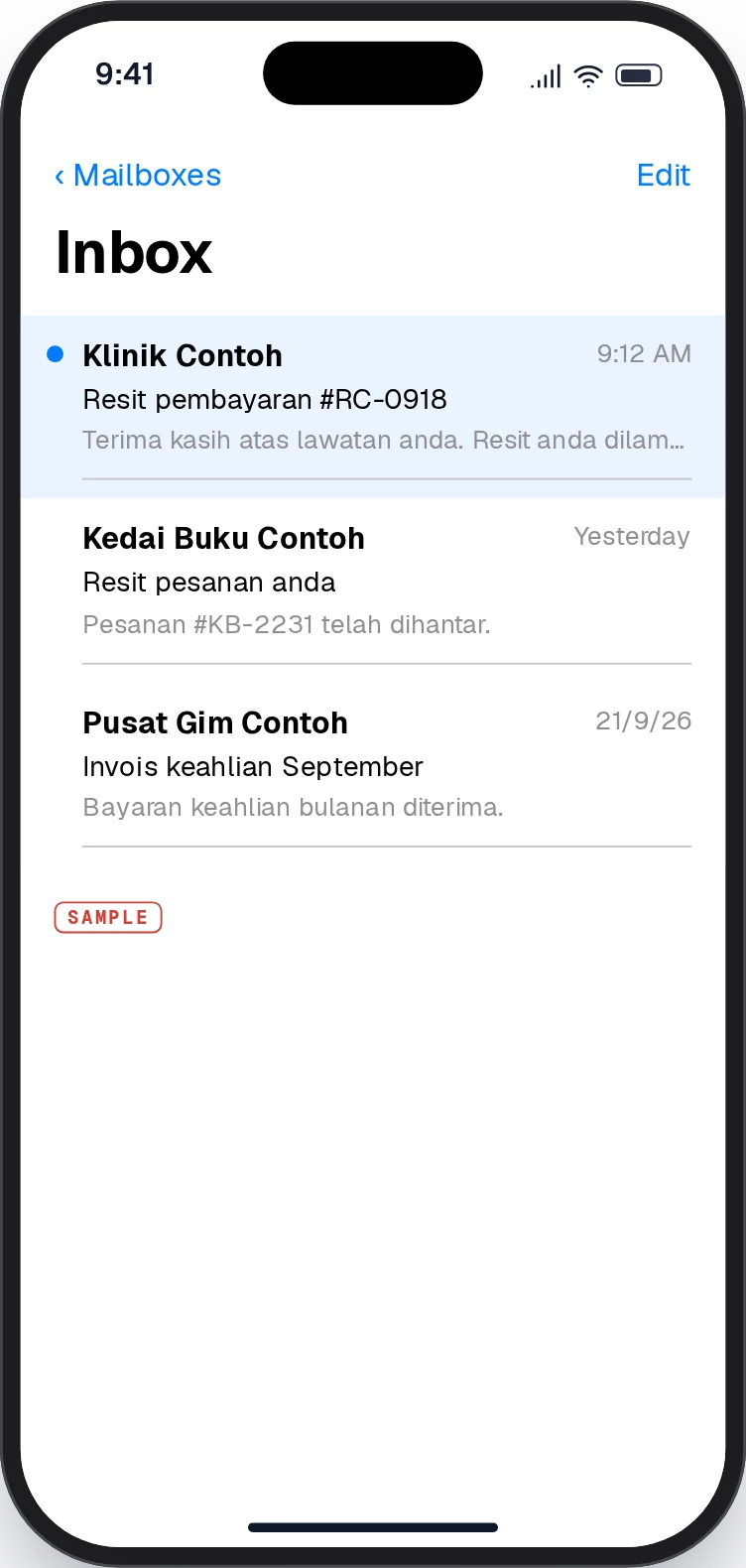
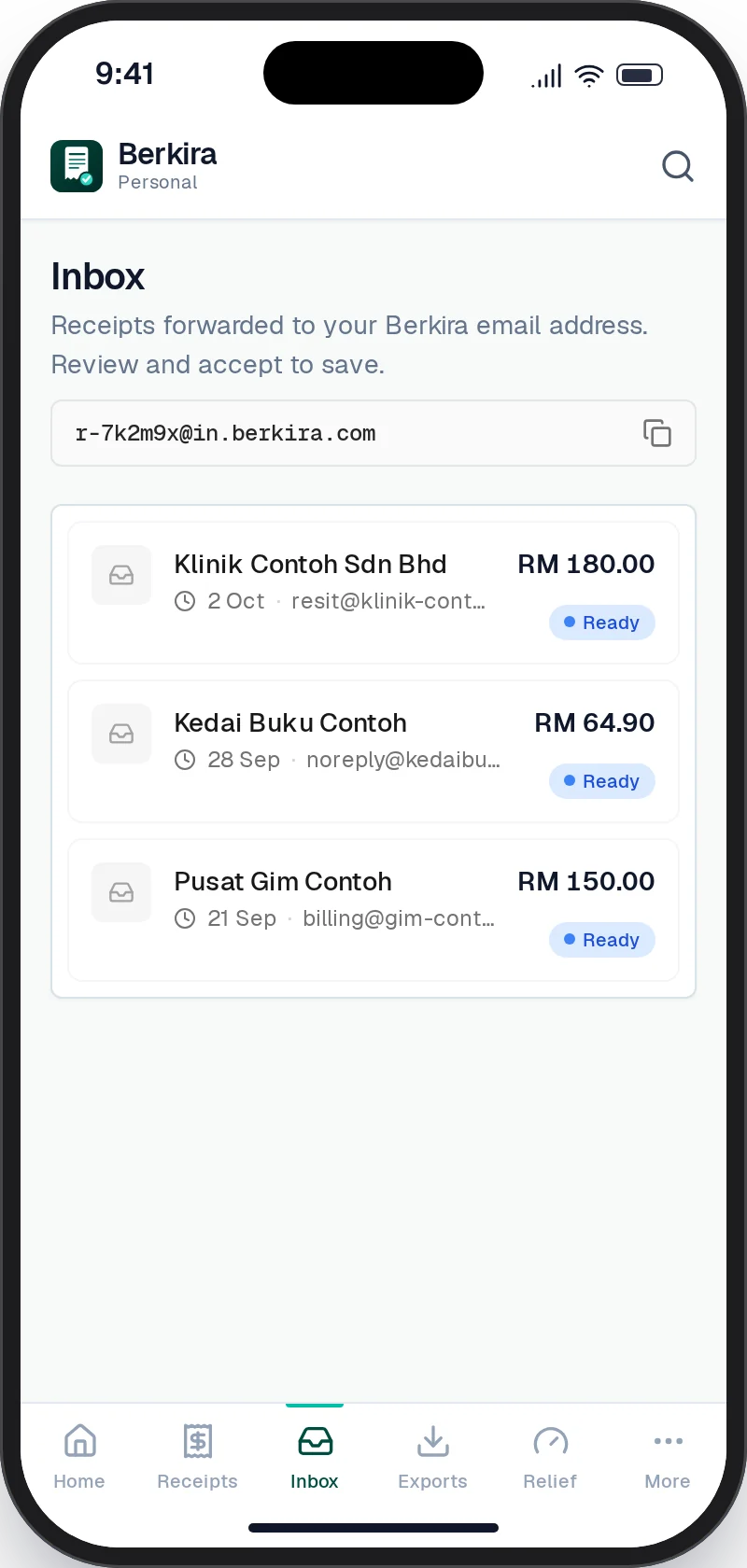
Every account gets a private address at in.berkira.com. Forward an e-receipt and it waits in your Inbox, already read, for you to accept.
Free plan: 10 forwards a month. Annual: unlimited.
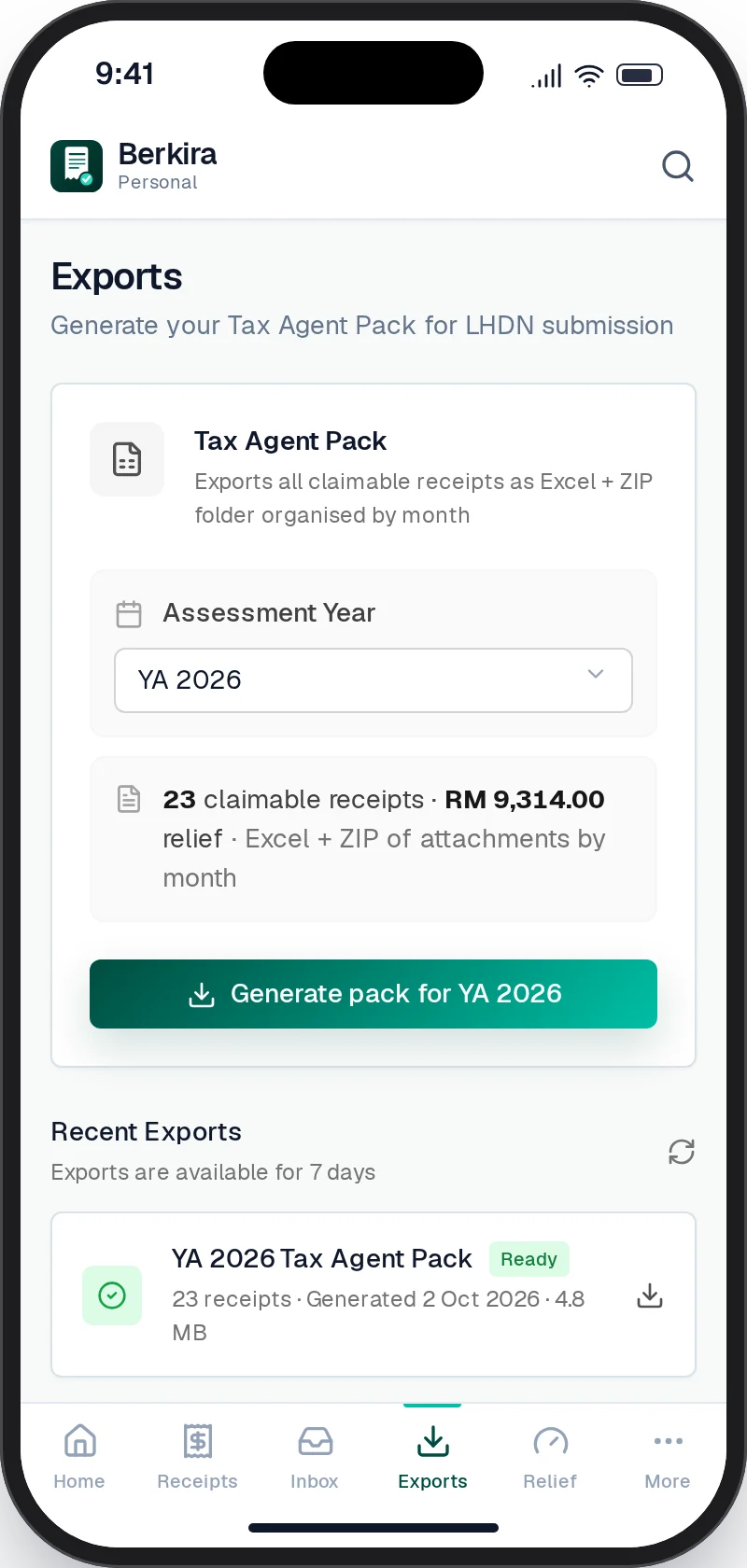
The tax pack: every receipt with relief for the year in an Excel summary, with the files sorted into a folder per month.
Exports by year of assessment, kept for seven days.
Tag a receipt to its LHDN relief line once. Berkira keeps the running total against every cap for the year, and flags the ones you’ve already passed.
SampleFigures are an example. Caps are the YA 2026 relief list in the app.
Copy your Berkira link from Settings and paste it into Claude or ChatGPT. Then just ask: how much relief is left, save this receipt, build my tax pack. Your assistant follows the same rules as the app.
Run a side business? Its receipts live in their own workspace, away from your personal claims.
Add Berkira to your phone and it opens like an app. No app store needed.
See how on Android and iPhone →The same receipt twice is caught before it saves, so nothing is claimed double.
Bought something in SGD, USD or THB? Record it as it was paid.
The film is in Bahasa Melayu. Every screen in it is the app’s own design, with sample receipts.
Limits are shared across your personal and company workspaces. No card needed to start.
Berkira is not officially endorsed by LHDN, but it uses the official LHDN category catalog for each assessment year and is designed to fit standard tax-preparation workflows.
That is why Berkira uses review-before-save. AI helps pull the fields out, but no receipt record is saved until you confirm and edit it.
Yes. Berkira organizes receipts by assessment year. Personal workspaces export claimable receipts for tax workflows, while company workspaces export all receipts for the selected YA.
Every plan gets the tax pack Excel for free: a relief summary against each LHDN cap, every receipt and line, and a checks sheet that flags missing files and amounts above a cap. The full tax pack is RM 9.90 per assessment year, paid once: the ZIP with every receipt file, linked from the Excel, plus the e-Filing helper, which lists what to type into each Form BE line on e-Filing. Annual includes it for the assessment year you buy it in, and you keep it after the plan ends.
Yes. A single account can contain your personal workspace and multiple company workspaces. V1 is single-user, so team invites and approvals are not included.
Every account gets a private address at in.berkira.com. Switch it on in Settings, forward an e-receipt, and it waits in your Inbox for you to check and save. The free plan covers 10 forwarded receipts a month; Annual is unlimited.
Yes, and you do not need the Play Store or App Store. Open app.berkira.com in Chrome on Android or Safari on iPhone and add it to your home screen; it then opens like an app. Step-by-step screens are at berkira.com/install.
The free plan holds 200 receipts a year, up to 30 a month, with 30 AI receipt reads a day (Malaysia time). After 30 AI reads you can still fill receipts in by hand that day; after 30 saved receipts, new ones wait for the next month. Annual has no monthly or daily limit. Your counters are on the upload page and in Settings, shared across personal and company workspaces.
Free for 200 receipts a year. Upgrade only if the year gets busy.